
Turn any link into a go/link, share it instantly, and skip the searching.
Human-readable links • Easy recall • Instant sharing • Works with any app • Always up to date
Discover GoLinks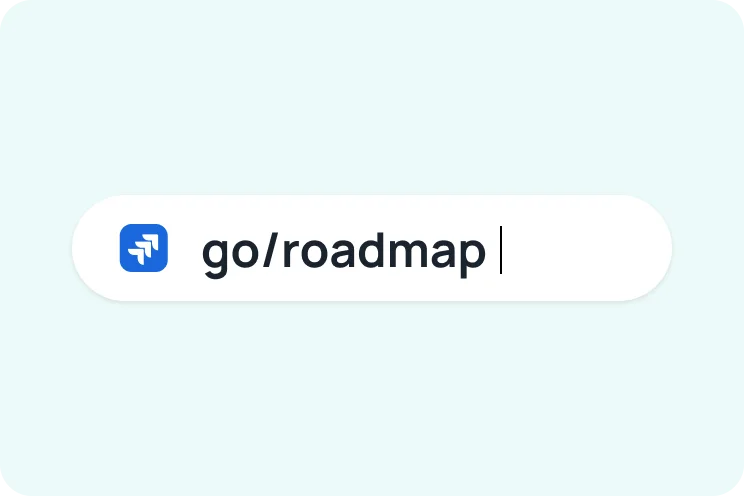

Search your company knowledge, get instant AI answers, and automate the work.
100+ Connectors • AI answers • Enterprise search • Custom agents • Workflow automation
Discover GoSearch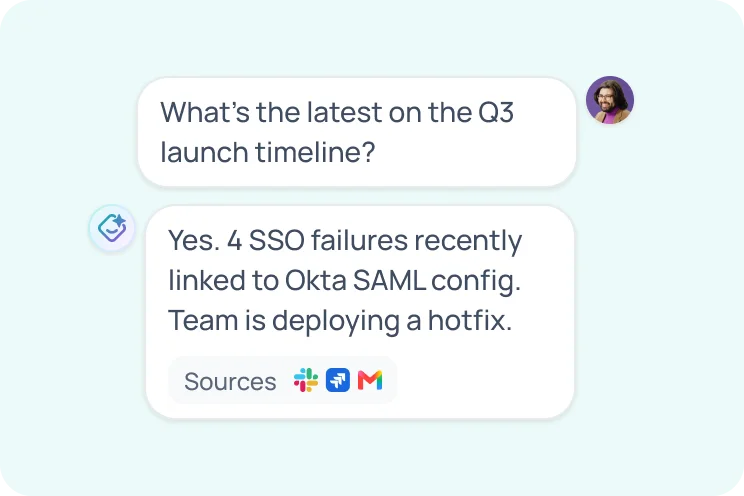

Discover teammates, understand your org, and recognize great work.
Org visibility • Employee profiles • Peer recognition • Expertise finder • Celebrations • Slack & Teams
Discover GoProfiles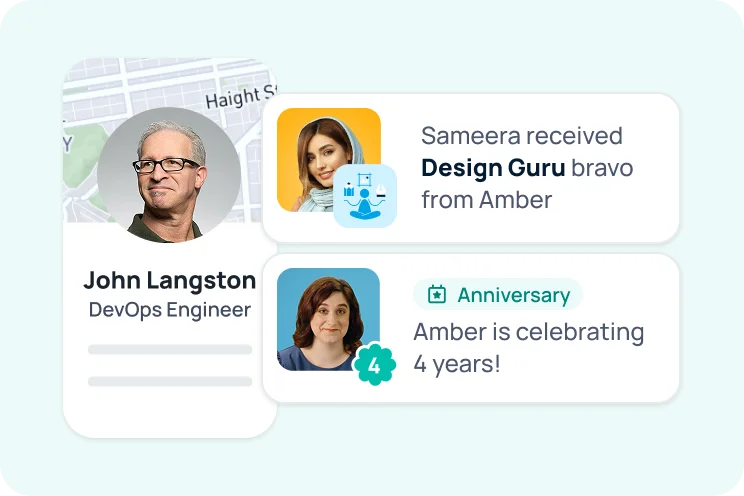
Featured articles
Workflows
Workflows let you automate repeated tasks in GoSearch so routine work moves forward with less manual effort. Build a workflow to run defined steps when the conditions you set are met.
Read article →Personal Settings
Personal settings let you manage your own GoSearch preferences. Open your settings to adjust how GoSearch works for you.
Read article →Connectors
Connectors link GoSearch to the tools your team already uses, such as email, chat, documents, and ticketing systems. Once connected, those sources become searchable and available to GoAI for answers.
Read article →What is GoAI?
GoAI is the AI assistant built into GoSearch that answers questions using your company's connected tools and data. It searches your sources and returns concise responses with citations you can check.
Read article →Chrome Extension
The GoSearch Chrome extension brings search and GoAI into your browser so you can find information without leaving the page you're on. Install it to search across your connected tools from any tab.
Read article →What is GoSearch
GoSearch is an enterprise search platform that connects to your company's tools and data sources in one place. It lets employees find documents, messages, and answers quickly, with results that respect existing permissions.
Read article →GoSearch Controls
GoSearch controls give admins and users the options to manage search behavior, access, and results across the workspace. Use these controls to tailor how GoSearch surfaces content for your team.
Read article →How to Create and Use GoSearch Agents
Agents are custom AI assistants you can build in GoSearch to handle specific tasks or answer questions for a defined audience. Create an agent, choose its sources and instructions, then share it with your team.
Read article →No widgets found in Custom Section