![Selecting the Best Enterprise Search Software [Features + Vendors]](https://images.gosearch.ai/blog/content/uploads/2023/10/17234328/Blog-Header-3-670x361.png)

Key Takeaways
- Knowledge workers lose 3+ hours per day searching across email, chat, and 100+ SaaS tools.
- Enterprise search replaces app-hopping with a single, permission-aware search experience.
- GoSearch stands out for fast deployment, a hybrid indexing approach, and transparent pricing.
- The right platform pays for itself through faster decisions, reduced duplication, and higher knowledge reuse.
Why Enterprise Search Matters in 2026
A sales rep can’t find the latest pricing deck buried in Slack. An engineer rebuilds a feature that already exists because the original documentation is lost in Confluence. A manager spends the first 15 minutes of every meeting hunting for the correct file.
These aren’t edge cases — they’re daily realities. Modern enterprises rely on hundreds of SaaS tools, each creating its own knowledge silo. As organizations scale, the cost of fragmented information compounds into lost productivity, slower decisions, and duplicated work.
Enterprise search software exists to solve this problem. It gives employees one place to search across all internal systems — securely, accurately, and in real time.
What Is Enterprise Search Software?
The real question isn’t whether you need enterprise search. It’s about which architecture and vendor fit your security posture, timeline, and budget.
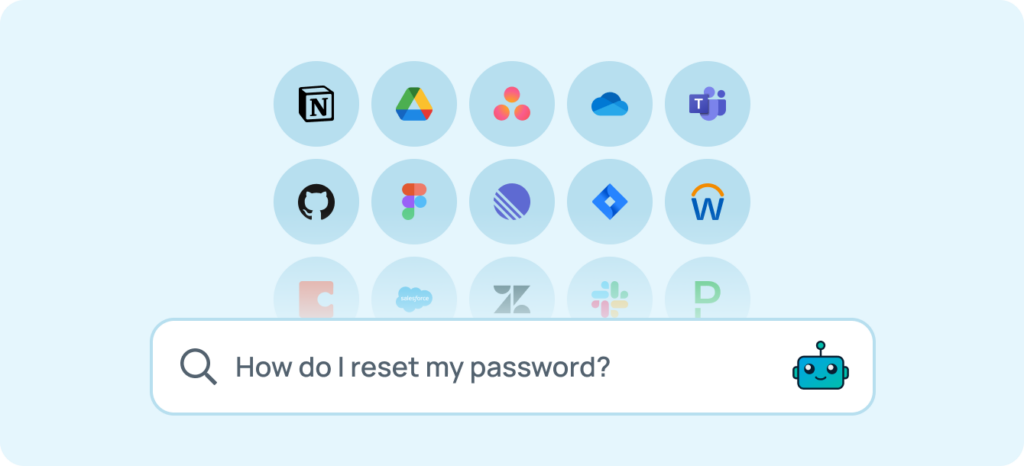
Enterprise search software is a SaaS platform that retrieves information across company systems using a single search interface. You’ll also see these platforms called enterprise search solutions — the terms are interchangeable. Instead of switching between Slack, Google Drive, Jira, Confluence, CRM tools, and wikis, employees ask one question and receive answers from everywhere they’re authorized to access.
Modern enterprise search goes far beyond keyword matching. In 2026, leading platforms use:
- Semantic understanding to interpret intent, not just exact terms
- Retrieval‑augmented generation (RAG) to ground AI answers in real company data
- Permission‑aware access controls that respect source‑system security
- Agentic workflows that turn search results into action
Enterprise search reduces knowledge sprawl, accelerates onboarding, and makes institutional knowledge usable at scale.
2026 Enterprise Search Trends Buyers Should Understand
1. RAG Replaces Keyword‑Only Search
AI‑powered retrieval now interprets meaning and context, surfacing relevant answers even when queries don’t match document wording exactly.
2. Federated Search Gains Traction for Security
Instead of copying all data into a centralized index, federated connectors query source systems in real time — keeping sensitive or personal data in place.
3. Agentic Workflows Turn Search Into Action
Finding a document is table stakes. Modern platforms trigger follow‑up actions like summarizing content, creating tickets, or answering multi‑step questions.
Indexed vs Federated vs Hybrid Search Architecture
Choosing the right architecture is the most important enterprise search decision.
- Indexed search copies data into a centralized index for speed and simplicity, but raises concerns about data duplication and security.
- Federated search queries source systems live, preserving permissions and compliance, but can vary in performance by connector.
- Hybrid search combines both — indexing shared knowledge while federating personal or sensitive data.
Most modern enterprises adopt hybrid architectures to balance speed, security, and scalability.
Features to Look for in Enterprise Search Software
Always‑Up‑to‑Date Indexing
Look for continuous re‑indexing and real‑time permission updates so results never rely on stale data.
Deep Integrations and Connectors
Evaluate whether the platform has first‑party connectors for the top 10 apps your organization uses today — not just a long marketing list.
Built‑In AI Capabilities
AI answers should be grounded, cited, and permission‑aware. Ask how hallucinations are prevented and whether responses link back to source content.
Enterprise‑Grade Security
SOC 2 Type II, SSO, role‑based access control, audit logs, and options to bring your own cloud or LLM API key are now table stakes.
Deployment Speed
Time‑to‑value matters. Ask how long it takes to run your first successful search — hours, days, or months.
Actionable Search Analytics
Strong platforms reveal what employees search for, what they can’t find, and where knowledge gaps exist.
Transparent Pricing and ROI
Avoid tools with opaque pricing, infrastructure surprises, or mandatory six‑figure commitments before proving value.
Top Picks by Use Case (Quick Guide)
- Fastest Time‑to‑Value: GoSearch — deploys in days with hybrid architecture
- Best for Microsoft‑Only Environments: Microsoft 365 Copilot Search
- Best for Google Workspace Teams: Google Cloud Search
- Best for Developers & Custom Builds: Elastic or Pinecone
- Best Knowledge‑First Platform: Guru
- Best for ServiceNow-Centric Orgs: Moveworks
Top Enterprise Search Software Vendors for 2026
1. GoSearch
Quick Overview
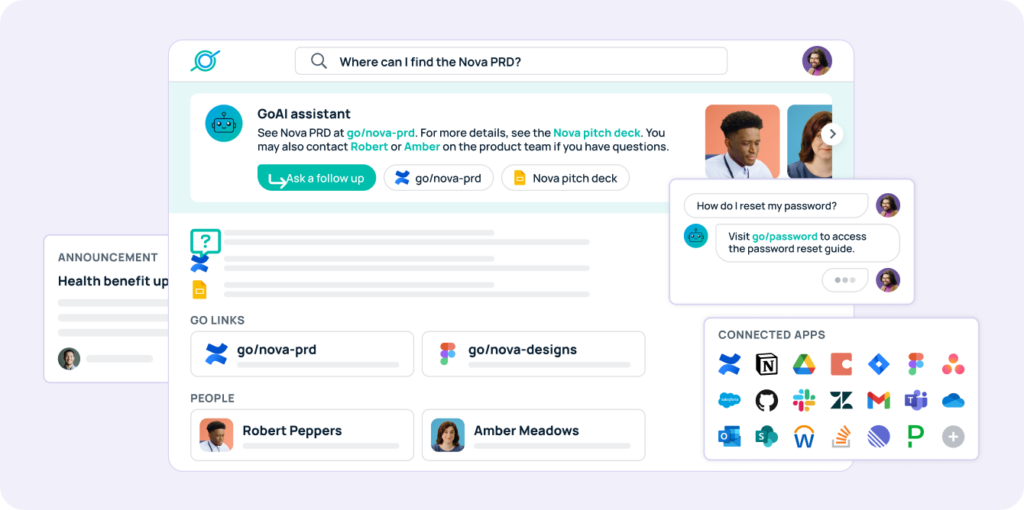
GoSearch is an agentic enterprise search platform built by the GoLinks team. It uses a hybrid architecture that indexes shared company knowledge while querying personal or sensitive data in real time using live connectors.
Best For
Teams that need rapid deployment, strong security controls, and transparent pricing without heavy infrastructure overhead.

“GoSearch checked all the security and functionality boxes. With other vendors in the space and vendors we evaluated in the POC process, we just didn’t get that same level of confidence.”
-Vernon Clemens, VP of Global Customer Support at Model N
See why Model N chose GoSearch — read the full success story.
Key Strengths
- Deploys in days, often within a single afternoon
- Hybrid architecture balances speed and security
- 100+ personal and workplace connectors
- Bring‑your‑own cloud and LLM API key
- Transparent Free, Pro, and Enterprise plans
Limitations
- Fewer third-party analyst reports and legacy enterprise references than decade-old incumbents
- Analytics capabilities are evolving rapidly, with continued investment in enterprise-grade insights
Related Comparisons
GoSearch vs Glean • GoSearch vs Notion • GoSearch vs Slack AI
2. Glean
Overview
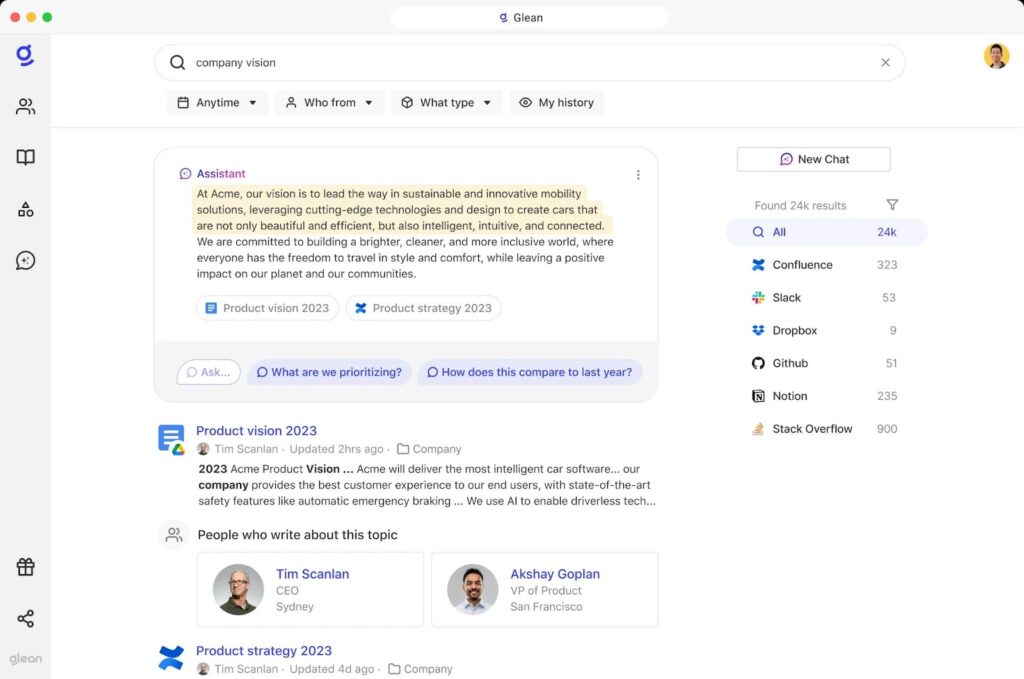
Glean is an AI‑powered workplace search platform built on enterprise graph technology that maps relationships between people, content, and activity.
Glean excels at personalized relevance, but trades simplicity and cost transparency for graph‑driven power.
Best For
Large organizations with budget for premium graph‑based search and longer implementation timelines.
Tradeoffs
- High implementation and infrastructure costs, especially at enterprise scale
- No federated search option when indexing is limited or not permitted
- Private or sensitive data must be indexed rather than queried live, increasing security and compliance considerations
Related Comparisons
Glean vs GoSearch • Glean pricing breakdown
3. Guru
Overview
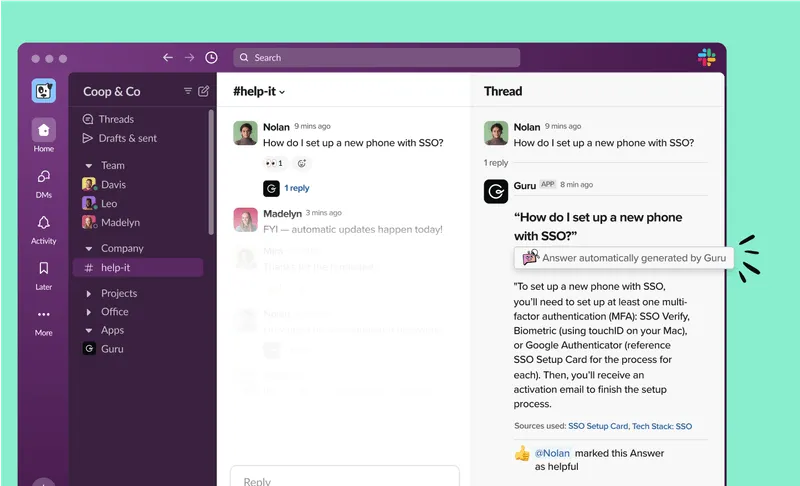
Guru is a knowledge management platform with built‑in search, verification workflows, and in‑context delivery through browser extensions and chat tools.
Guru prioritizes knowledge accuracy and verification over deep cross‑app enterprise search.
Best For
SMBs that want trusted, verified answers delivered directly inside workflows.
Tradeoffs
- Strong content governance and verification
- Limited depth as a standalone enterprise search engine
Related Comparisons
Guru vs GoSearch
4. Microsoft 365 Copilot Search
Overview
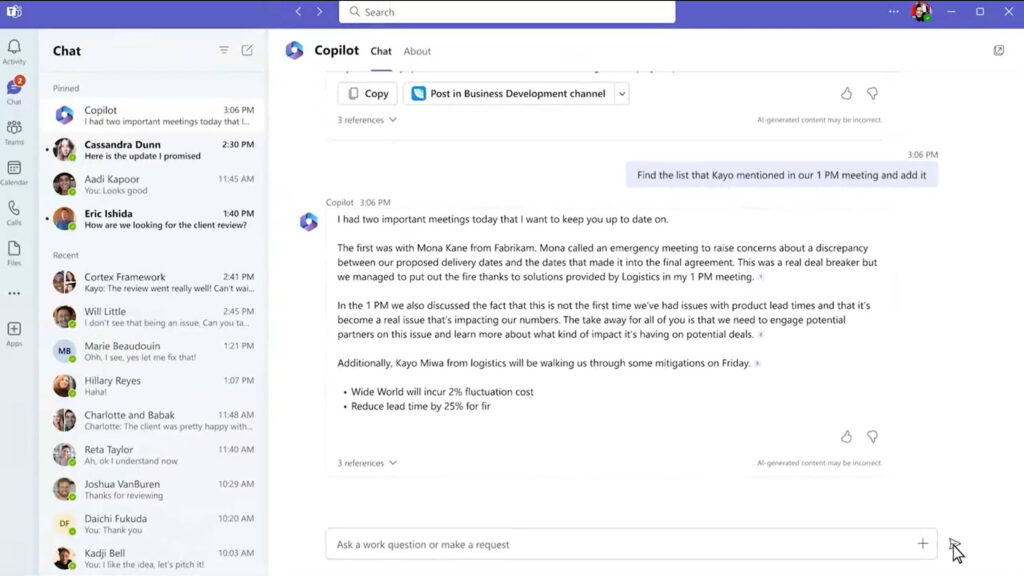
Microsoft 365 Copilot Search is an AI‑powered universal search layer embedded across Outlook, Teams, SharePoint, OneDrive, and Microsoft Graph.
Copilot Search is powerful inside Microsoft — but costly and constrained outside it.
Best For
Organizations already standardized on Microsoft 365 that want native search without adding a new vendor.
Tradeoffs
- Limited flexibility outside the Microsoft ecosystem
- Deep M365 integration and permission awareness
- Requires Copilot licenses on top of base M365 costs
5. Google Cloud Search
Overview
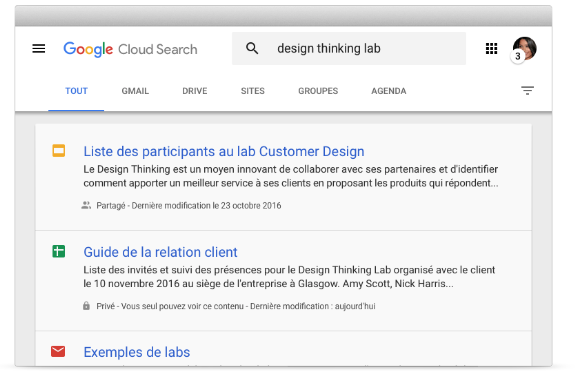
Google Cloud Search enables secure enterprise search across Google Workspace apps like Gmail, Drive, Calendar, and Docs, with limited third‑party connectors.
Best For
Google‑first organizations with minimal non‑Google SaaS complexity.
Tradeoffs
- Familiar Google‑style UX
- Narrow connector ecosystem
- Less robust AI answers compared to newer GenAI platforms
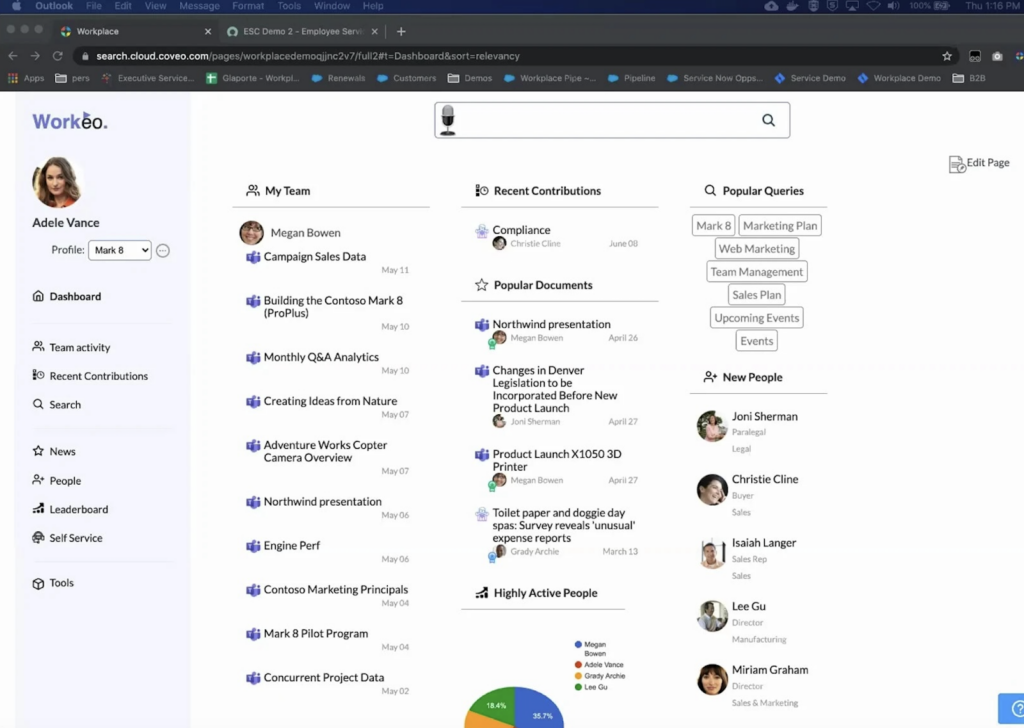
6. Coveo
Overview
Coveo provides AI‑driven search and recommendations across workplace, service, and ecommerce use cases.
Best For
Large enterprises with complex search needs spanning multiple customer and employee touchpoints.
Tradeoffs
- Strong ML‑based relevance
- High implementation and licensing costs
- Requires technical resources for tuning
7. Elastic (Enterprise Search)
Overview
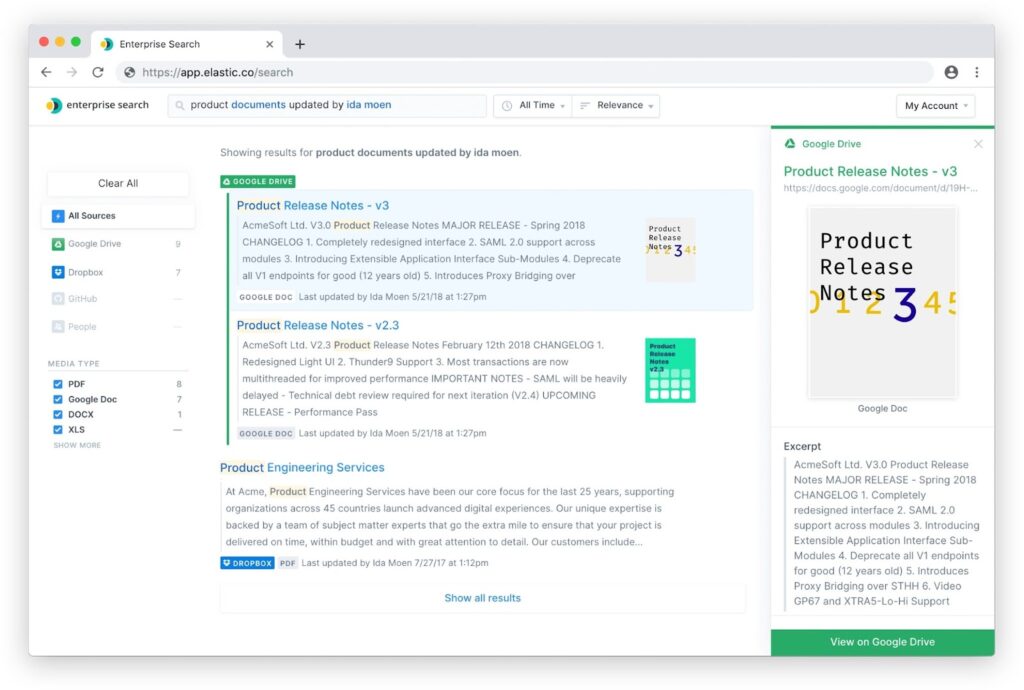
Elastic offers developer‑focused search infrastructure built on open‑source Elasticsearch.
Best For
Technical teams building highly customized search experiences at scale.
Tradeoffs
- Designed for maximum flexibility, which favors technical teams over turnkey business use
- Best suited for organizations with in-house search or platform engineering expertise
- Total cost and operational effort scale with customization and data volume
8. IBM Watson Discovery
Overview
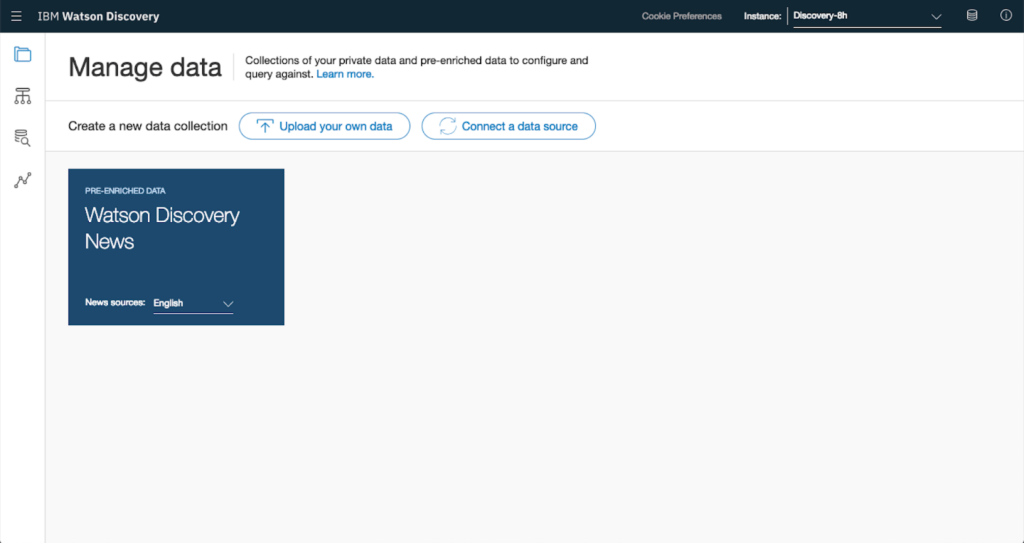
IBM Watson Discovery uses NLP to extract insights from large volumes of structured and unstructured enterprise data.
Best For
Highly regulated industries already invested in IBM ecosystems.
Tradeoffs
- Enterprise-grade governance and compliance focus
- More deliberate release cadence aligned with regulated use cases
- Requires upfront configuration and enterprise procurement processes
9. Pinecone
Overview
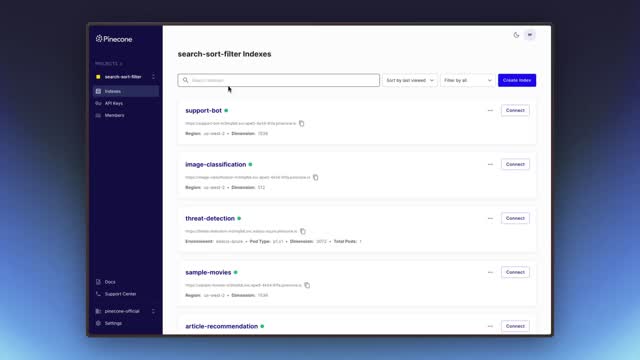
Pinecone is a vector database used to power semantic search and similarity retrieval.
Best For
Engineering teams building custom AI search or recommendation systems.
Tradeoffs
- Excellent vector performance
- Not a turnkey enterprise search solution
- Requires significant engineering investment
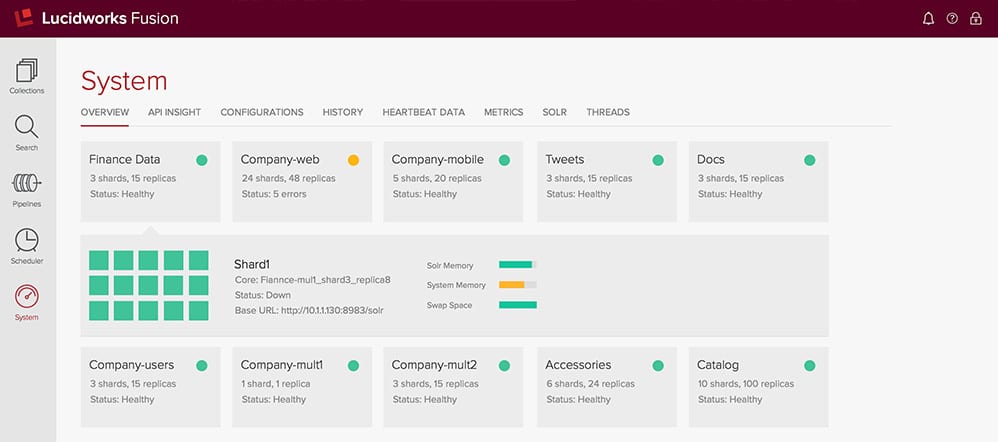
10. Lucidworks Fusion
Overview
Lucidworks Fusion is an AI search platform built on Apache Solr with hybrid lexical and semantic search.
Best For
Enterprises with search expertise needing customization and scale.
Tradeoffs
- Proven ROI in large deployments
- Complex configuration
- Non‑transparent pricing
11. Moveworks (by ServiceNow)
Overview
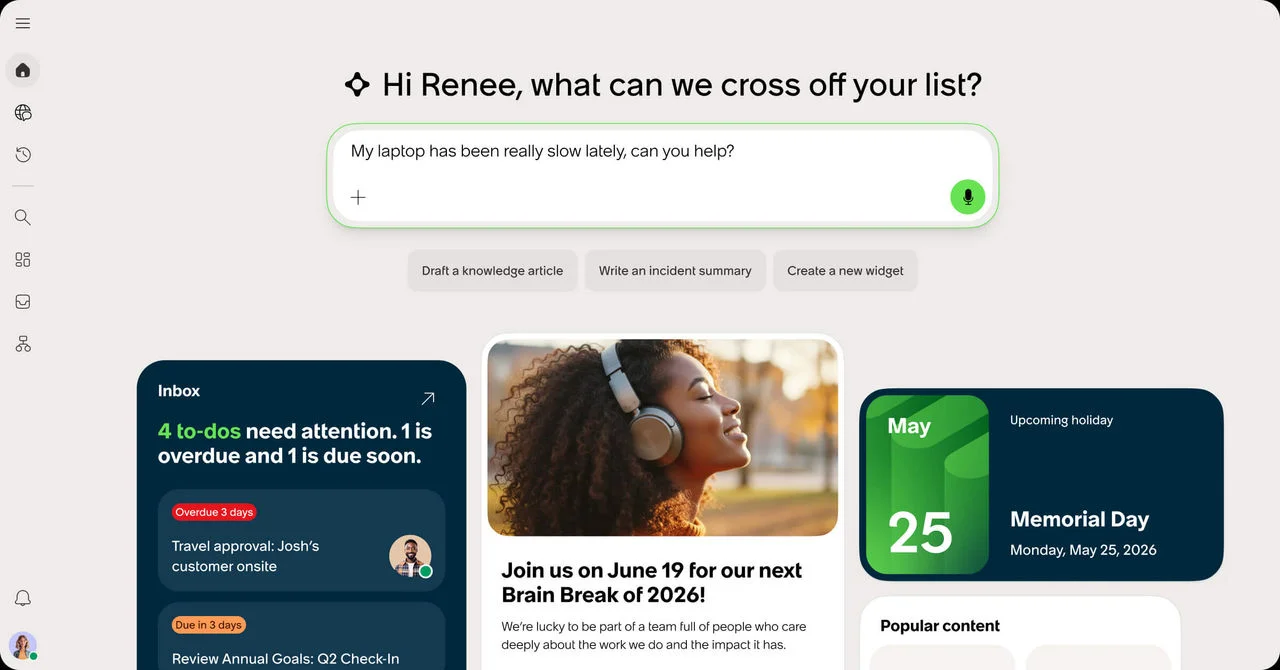
Moveworks is a conversational AI assistant and enterprise search platform acquired by ServiceNow in December 2025. It pairs an agentic Reasoning Engine with enterprise search, and remains available as a standalone product within the ServiceNow portfolio — though its technology is increasingly integrated into ServiceNow’s unified AI platform.
Best For
Organizations already invested in ServiceNow workflows that want conversational AI and search tied directly to ITSM and HR automation.
Tradeoffs
- Strong agentic capabilities for IT and HR service resolution
- Product roadmap now runs through ServiceNow’s platform strategy, raising long-term questions for non-ServiceNow environments
- Enterprise procurement and pricing follow the ServiceNow model rather than transparent standalone tiers
Adjacent Tools Often Confused With Enterprise Search
These platforms rank in search results for enterprise search queries, but solve different problems. If your goal is internal knowledge discovery across workplace tools, none of these is the right fit — but each leads its actual category.
AlphaSense focuses on market and competitive intelligence search across premium external content sources. It’s a strong choice for finance, strategy, and research teams — but it searches the outside world, not your company’s internal knowledge.
Algolia provides API-first AI search optimized for customer-facing applications. Product and ecommerce teams use it to build fast external search experiences; it has limited internal knowledge use cases.
Site Search 360 handles website and content search rather than internal enterprise discovery. It deploys easily for marketing and website teams but is not designed for employee knowledge search.
Recently Sunset Platforms
Two platforms that appeared in earlier versions of this guide have been acquired and discontinued as standalone products. If you were evaluating either, here’s what happened and where to look instead.
Dashworks (acquired by HubSpot)
Dashworks was an enterprise search platform that centralized internal knowledge across SaaS tools, prioritizing lightweight deployment and simple discovery. HubSpot acquired Dashworks in April 2025 and sunset the standalone service in July 2025; the team now powers search capabilities inside HubSpot’s Breeze AI.If you previously used Dashworks or were considering it, this guide covers the best Dashworks alternatives for enterprise search.
Qatalog (acquired by ClickUp)
Qatalog unified knowledge, tools, and collaboration into a shared workspace, with permission-aware search across connected apps. ClickUp announced its acquisition of Qatalog in November 2025 and completed the deal in early 2026; Qatalog’s search technology is being integrated into ClickUp’s platform rather than continuing as a standalone product. Teams that wanted Qatalog’s workspace consolidation should evaluate ClickUp directly — or a dedicated enterprise search platform if search was the draw.
How We Evaluated Enterprise Search Tools
We evaluated enterprise search platforms using criteria that matter most to buyers in 2026 — not just feature depth, but real-world deployability and long-term value.
Our assessment focused on:
- Deployment speed and time-to-value — how quickly teams can move from setup to meaningful results (hours, days, or months)
- Search architecture — indexed, federated, or hybrid models and their impact on security and scalability
- Connector coverage — support for the SaaS tools organizations actually use, not inflated connector counts
- Pricing transparency — public pricing versus gated sales processes and hidden infrastructure costs
- Security and compliance — SOC 2, SSO, role-based access control, and audit logging
- Semantic search quality — use of RAG, grounding, citations, and intent understanding
- Permission enforcement — source-level and document-level access controls
- Analytics maturity — insight into failed searches, content gaps, and usage trends
The goal was to surface platforms that deliver practical ROI, fast adoption, and sustainable value — not just impressive feature lists.
Enterprise Search Software Comparison
| Platform | Architecture | Deployment Speed | Pricing Transparency | Best For |
| GoSearch | Hybrid | Days | High | Fast, secure enterprise rollout |
| Glean | Indexed | Months | Low | Large enterprises with budget |
| Microsoft Copilot | Indexed | Weeks | Medium | Microsoft‑centric orgs |
| Google Cloud Search | Indexed | Weeks | Medium | Google Workspace teams |
| Elastic | Indexed | Months | Low | Custom, developer‑built search |
| Moveworks | Indexed | Weeks | Low | ServiceNow-centric orgs |
Deployment speed and architecture choice matter more than feature count in 2026 enterprise search buying decisions.
Unlock Better Outcomes With Enterprise Search
Enterprise search is no longer a nice‑to‑have. It’s foundational infrastructure for modern work. The right platform saves time, reduces duplication, and makes organizational knowledge usable — every day.
Book a demo to see how GoSearch helps teams move from information chaos to clarity.
Search across all your apps for instant AI answers with GoSearch
Schedule a demo
Frequently Asked Questions
Modern platforms can surface first results within days. Deployment timelines vary dramatically by architecture and vendor.
Yes. Knowledge management focuses on content creation and governance. Enterprise search focuses on discovery and retrieval across systems.
Federated or hybrid architectures are preferred because they minimize data duplication and preserve source‑system permissions.
The best enterprise search software depends on your organization’s data sources, deployment timeline, and pricing needs. GoSearch is a strong option for teams that want a fast-deploying, secure enterprise search solution with transparent pricing across Free, Pro, and Enterprise tiers. Glean is another option for large organizations that can accommodate a longer implementation timeline and higher infrastructure costs.