

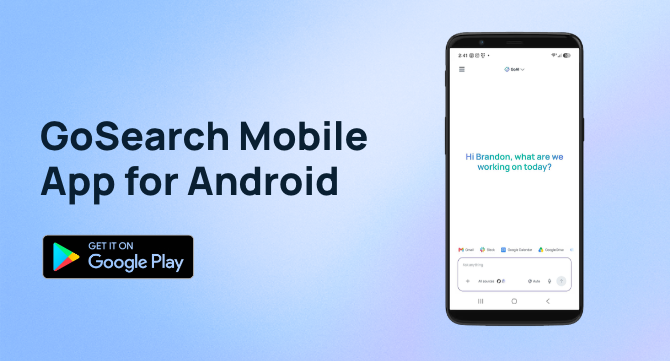

Android accounts for more than 72% of the global mobile operating system market, according to Statcounter’s October 2026 data. As more employees use Android phones for work, they need a way to access company knowledge and AI tools without putting business data in unapproved apps.
The GoSearch Android app puts enterprise search, GoAI chat, skills, and custom agents on your Android phone. It has the same features as the GoSearch iOS app, so teams with both iPhone and Android users get the same secure enterprise search and AI agents on either device.
Quick answer: The GoSearch Android app is an enterprise AI app for Android that gives you secure access to company resources and custom AI agents from your phone. It searches your connected work apps with filters, lets you chat with GoAI using the model you select, keeps your chat history, gives you access to your skills, and lets you chat with your own and your team’s custom agents. Download it from Google Play and sign in with your GoSearch account.
What is the GoSearch Android app?
The GoSearch Android app is the Android version of GoSearch, the enterprise AI search and agent platform from the team behind GoLinks. It connects to the work apps your company has set up in GoSearch. GoSearch supports more than 100 connectors, so one app can reach documents, notes, tasks, and messages across your tools.
The app does five things:
- Searches your connected work apps with filters
- Chats with GoAI using the model you select
- Saves your chat history so you can reopen past conversations
- Gives you access to your skills
- Gives you access to your custom agents and your team’s agents
How does enterprise search work on an Android phone?
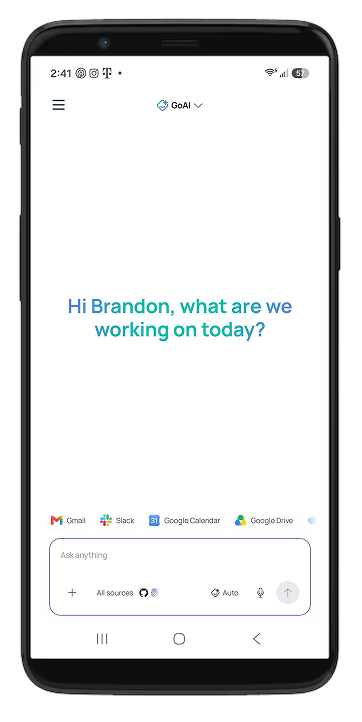
Open the app and search across your connected work apps from one place. A search for a product launch can return the plan, related tickets, and Slack threads together. Filters narrow results by resource type, app, owner, sort order, or modified date. Filter by owner and date to find the file a teammate edited yesterday.
You can also type a question in plain language. GoSearch pulls information from your connected apps and summarizes it. A product manager can check the latest roadmap notes before a stakeholder call. A marketer can find the approved messaging doc between meetings. Read more about enterprise search in GoSearch.
What can you do with GoAI chat on Android?
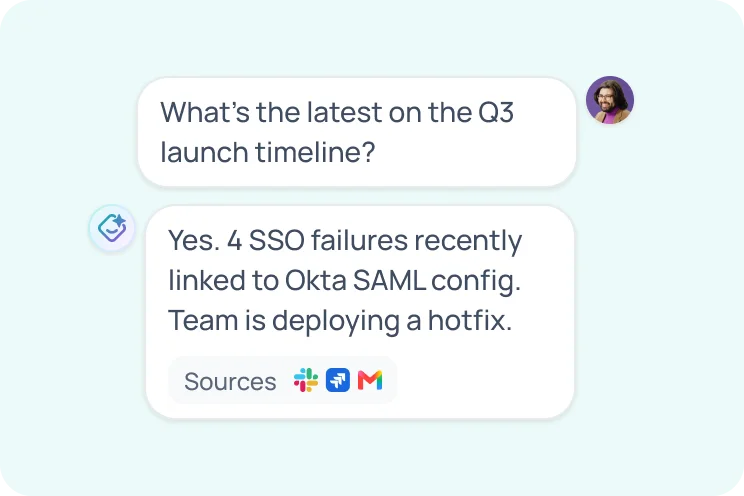
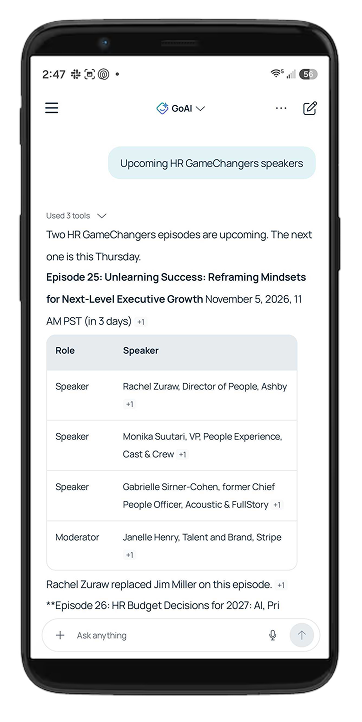
GoAI chat picks up where search ends. Ask it to summarize a long document, draft a message to a customer, or explain what changed in a project this week. Answers draw on your company’s connected knowledge. GoAI is the same AI assistant GoSearch customers use across the platform.
Select the model you want for each chat. GoSearch supports models from OpenAI, Anthropic, Google Gemini, and xAI. Your chat history stays in the app, so you can reopen this morning’s conversation after a meeting.
How do AI skills work on Android?
A skill is a saved set of instructions for a type of work. A creator writes a name, a description, and the instructions. GoSearch uses the description to decide when to apply the skill. A skill for status updates applies when you draft a status update.
Creators share skills with the specific people or teams they choose, so the skills you see depend on what you and your teammates have shared. The Android app gives you access to those skills in your conversations. Learn more in this guide to AI skills for enterprise teams.
How do you use custom AI agents on Android?
You use custom AI agents on Android by opening the GoSearch app and chatting with your own agents or the agents your team has built. A custom agent is an AI assistant built for one job, such as preparing a call brief or answering questions about an internal process. GoSearch includes a no-code agent builder, so teammates can build agents without writing code and share them with the people who need them.
Agents work from the knowledge you connect to GoSearch. That is the same knowledge your search uses, so search and agents live in one app.
How do you access company resources securely on Android?
Check that your AI app meets your company’s security requirements before you use it for work. GoSearch is SOC 2 Type II certified and supports GDPR compliance. It offers Zero Data Retention with all model providers, so they do not retain your prompts. GoSearch also respects the permissions of your connected apps, so you see only what you already have access to. The GoSearch security page has the details.
How does GoSearch work on foldable Android phones?
The GoSearch Android app works on foldable Android phones. The larger unfolded screen gives you more room to search across your connected apps. It also fits long GoAI answers, search results with several filters applied, and agent conversations. Every feature in the app works on a foldable, including custom AI agents on Android.
Why do teams need an enterprise AI app on both Android and iPhone?
Teams rarely standardize on one phone. A work AI app that supports both platforms lets every employee search, chat, and use agents from the phone they already own. The Android app has the same features as the GoSearch iOS app. Your connected apps, skills, and agents come from your GoSearch account, so they follow you from device to device.
Which teams benefit from AI search and agents on Android?
- IT teams can find a runbook and ask GoAI to summarize the steps during an on-call page.
- Product teams can search for a spec and ask a team agent for a status summary.
- Marketing teams can find approved messaging and ask GoAI to draft a quick reply.
- Sales teams can pull account notes and ask an agent for a brief before a meeting.
How do you get started with the GoSearch Android app?
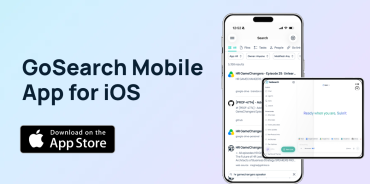
If you already use GoSearch at work, use the same account on your Android phone. Download the GoSearch app from Google Play and sign in. Your connected apps appear in the app. You can search, chat with GoAI, select a model, and open the skills and agents your team has set up.
If you use an iPhone, see the GoSearch iOS app. If you’re new to GoSearch, book a demo or create a free account.
Search across all your apps for instant AI answers with GoSearch
Schedule a demo
Frequently Asked Questions
Yes. GoSearch has an Android app on Google Play. It lets you search your connected work apps with filters, chat with GoAI, select a model, reopen past chats, use skills, and chat with custom agents. Sign in with your existing GoSearch account to start. If you are new to GoSearch, create a free account or book a demo to get started.
Yes. The GoSearch Android app works on foldable Android phones. Search, GoAI chat, chat history, skills, and custom agents all work on the device. The larger unfolded screen gives long summaries and filtered search results more room. Download the app from Google Play and sign in with your GoSearch account to start. Your connected apps, skills, and agents appear the same way they do on any Android phone.
Yes. The Android app has the same features as the GoSearch iOS app. Both let you search with filters, chat with GoAI, select a model, reopen chat history, use skills, and chat with custom agents. Your connected apps, skills, and agents come from your GoSearch account. Teams with both iPhone and Android users can work from the same setup on either device.
Yes. The GoSearch Android app lets you chat with your own custom agents and the agents your team has built. An agent handles one job, such as preparing a call brief or answering questions about an internal process. GoSearch includes a no-code agent builder, so teammates can create agents without writing code and share them with the people who need them. Agents work from the knowledge you connect to GoSearch.
The app lets you select a model each time you chat with GoAI. Options come from OpenAI, Anthropic, Google Gemini, and xAI, and different models suit different tasks. Your chat history saves each conversation, so you can return to it later. GoSearch uses Zero Data Retention with its model providers, which means they do not keep your prompts or responses. Choose the model that fits the task in front of you.
Yes. GoSearch is SOC 2 Type II certified and supports GDPR compliance. It offers Zero Data Retention with all model providers, so they do not retain your prompts. GoSearch also respects the permissions in your connected apps, so you see only what you already have access to in each tool. The app connects to the work apps your company has set up in GoSearch. The GoSearch security page lists the details.