


Here are some common issues you may run into when working with the Jira Worksapce connector, and how to trouble shoot.
When I try to connect Jira, I get the error “Hmm… We’re having trouble logging you in.”
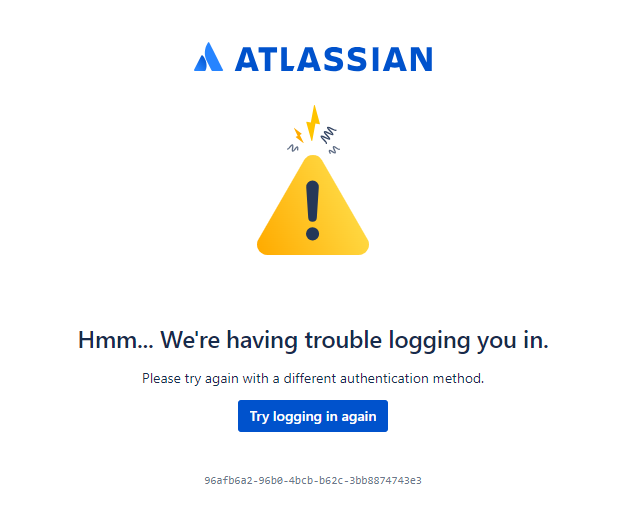
If you see this error, follow these steps to try again.
- Go to https://id.atlassian.com/logout to logout of your current account.
- Go to the Jira Workspace Connector page and follow the instructions to setup the connector.
You should now be able to configure the Jira Workspace Connector. If you need further assistance, please consult the GoSearch Help Center or Chat with us.


